Scan completion and cancellation emails
Last updated: November 13, 2026
Astra emails the team when an automated or vetted scan finishes, when a re-scan on it finishes, and when the scan is cancelled. Each email links straight to the scan, so the team knows when results are ready without checking the dashboard.
The three scan emails
Sent when | |
|---|---|
Scan completed | An automated scan finishes, or Astra's analysts finish vetting a vetted scan. |
Re-scan completed | A re-scan on an automated or vetted scan finishes. |
Scan cancelled | An automated or vetted scan is cancelled before it finishes. |
The subject line names the target and the scan, so emails for different targets are easy to tell apart.
No email is sent for:
A scan or re-scan that ends with no vulnerabilities (False Positive ones don't count).
A cancelled re-scan. Only cancelling the scan itself sends Scan cancelled.
Pentests, which have their own emails. Read more in How to Track the Progress of a Pentest.
Completion emails
Scan completed and Re-scan completed show the vulnerability count by severity and a Review vulnerabilities link to the scan. Some companies get a version with a link to download the scan's PDF report.
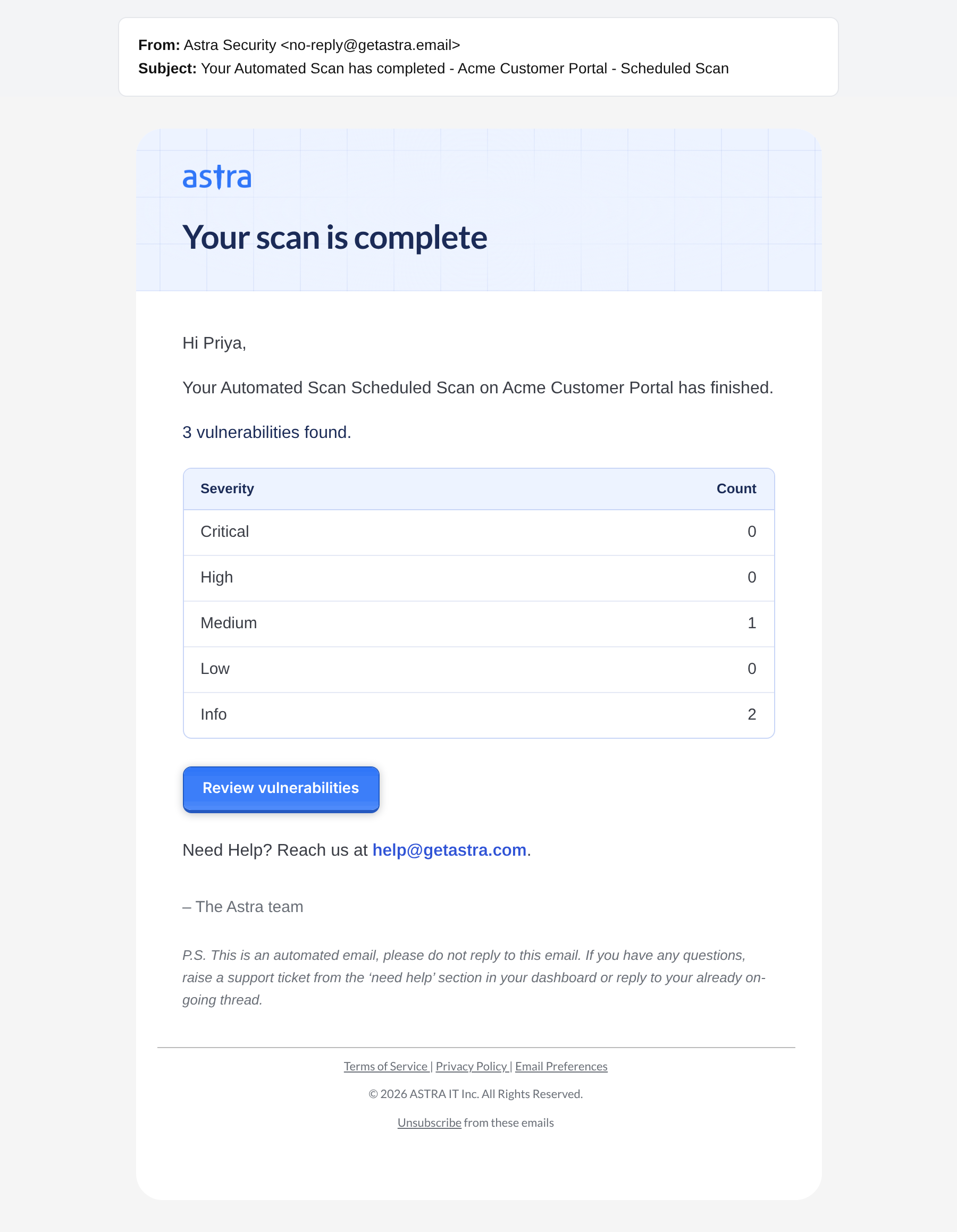
A Scan completed email with the vulnerability count by severity.
Read more in What's in a scan completion email.
Scan cancelled email
This email names the scan and the target, and its View scan button opens the scan. It is sent whether the scan was cancelled from the dashboard or by Astra.
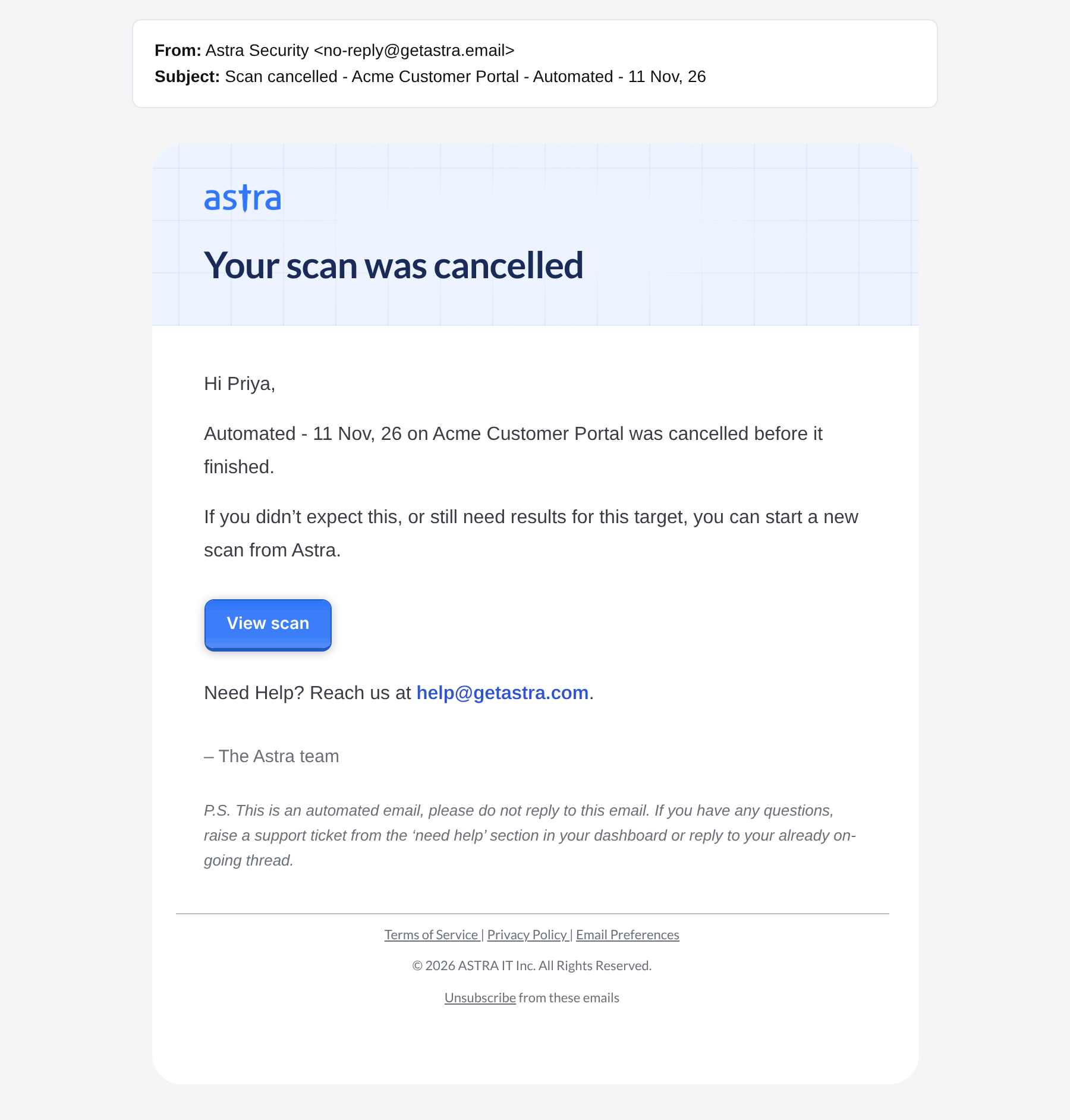
A Scan cancelled email, with the View scan button.
After a cancel:
The scan shows Cancelled and keeps the findings reported so far. It can't be resumed; start a new scan to test again.
The cancelled scan counts toward the target's scan quota until it is deleted. If the quota runs low, more scans can be added by upgrading the plan. Read more in How scan quota works.
Steps to cancel or delete a scan are in How to cancel or delete a scan.
Who receives the emails
Completion emails go to every member with access to the target. Scan cancelled goes to the Workspace Owner. Read more in Who receives scan emails.
FAQ
How can we stop getting an email for every completed scan?
There's no dashboard setting to turn off completion emails. On request, Astra can limit them to company and workspace owners and admins. Read more in Who receives scan emails.