How to Pause or Cancel a Subscription
Last updated: August 7, 2026
You can pause or cancel your subscription at any time directly from the Subscription Settings page in your Astra dashboard. We recommend pausing over canceling if you plan to resume the service in the future.
Steps to Pause or Cancel a Subscription
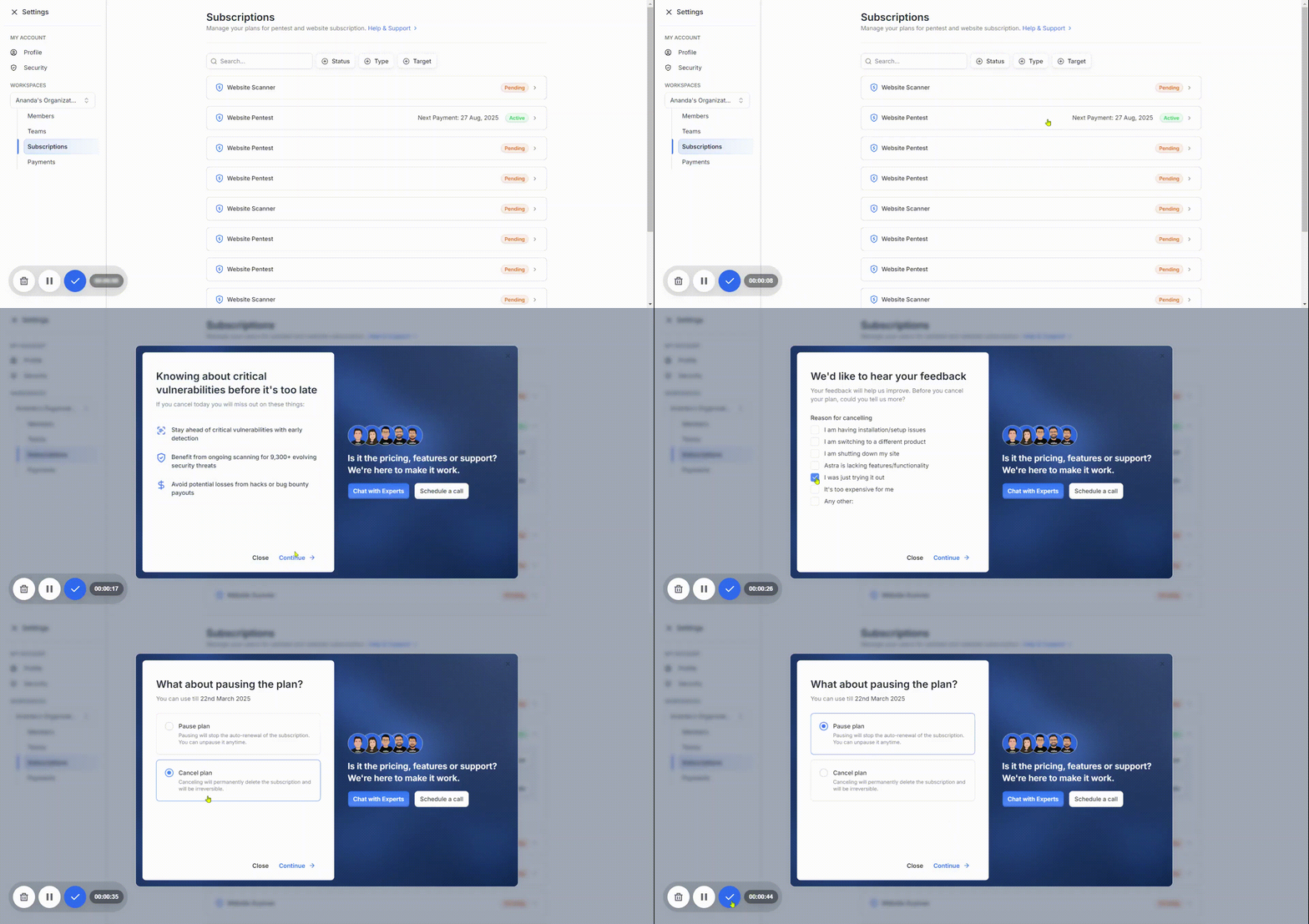
You can pause (recommended) or cancel your subscription from the Subscription Settings page in your dashboard.
To cancel or pause a subscription:
Click on the Subscription Card: Locate the card for the subscription you want to modify and click on it to expand.
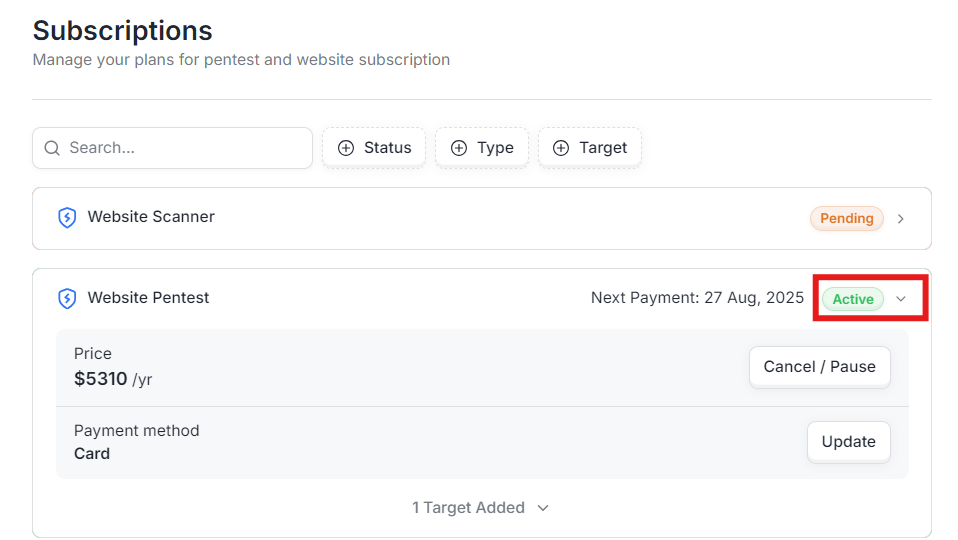
Click on the Cancel/Pause Button: This button will bring up the window to either cancel/pause your subscription.
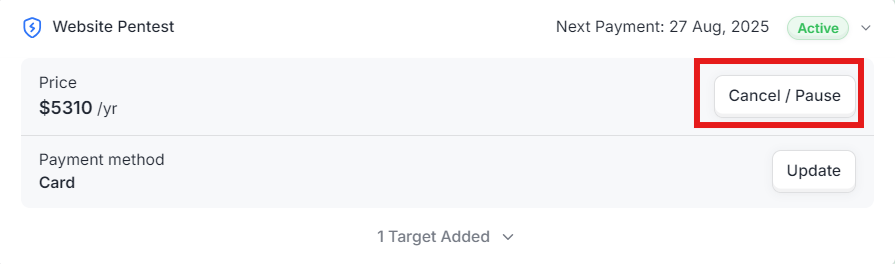
Choose the reason for cancellation: It'll help us in improving our product and provide you with a better experience.
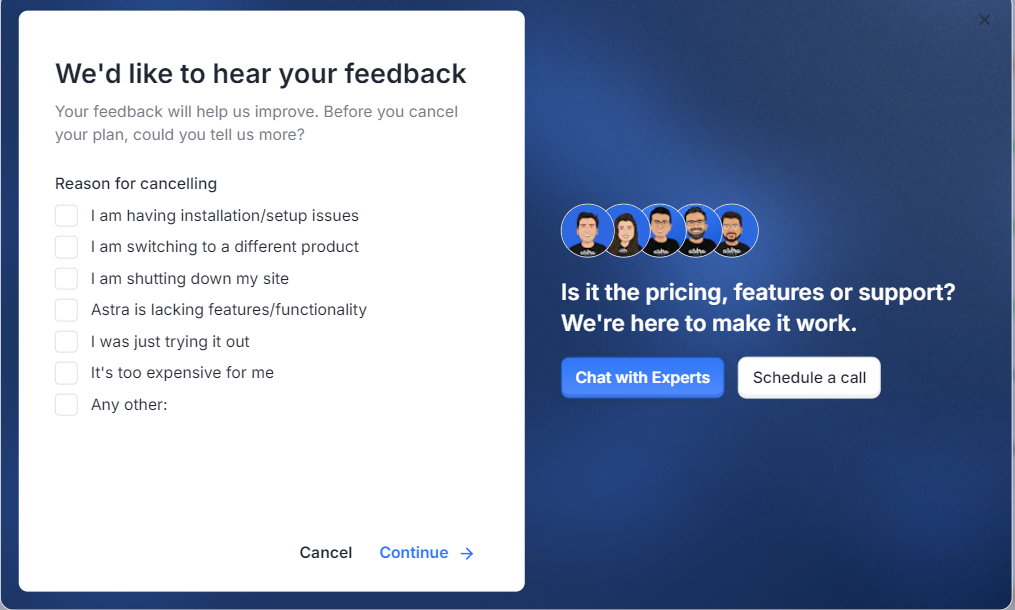
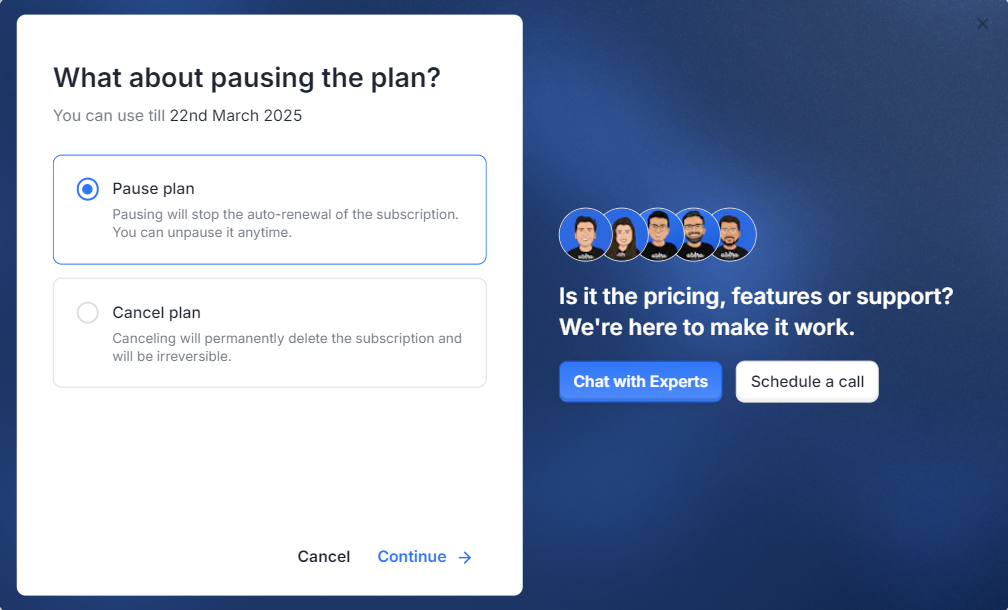
You can choose from either Pause or Cancel the plan and click Continue to finish the process.
What Happens When a Subscription is Paused?
Pausing a subscription will:
Stop the auto-renewal of your subscription
Temporarily deactivate your plan without permanently removing it
Suspend vulnerability scanning on your targets, which may leave your application exposed during the pause period
You can unpause your subscription at any time from your dashboard without any additional steps or configuration.
What Happens When a Subscription is Canceled?
Canceling a subscription will:
Permanently delete the subscription
Remove all associated billing details
Stop all scanning and security monitoring immediately
Important: Cancellation is permanent and irreversible. Unlike pausing, if you wish to use Astra again after canceling, you will need to purchase a new subscription and reconfigure your targets from scratch.
Need Help?
If you have any questions about pausing or canceling your subscription, or if you would like to discuss alternative options, please reach out to our support team by raising a ticket from your Astra dashboard.