How to verify ownership of an API Target
Last updated: August 28, 2025
Before running a vulnerability scan, you must verify ownership of the application or domain. This ensures that only authorized users can scan the application, preventing unauthorized access. Target verification protects your app by maintaining the integrity of the scanning process, ensuring that only you can identify potential vulnerabilities.
What are the steps to verify ownership of a target?
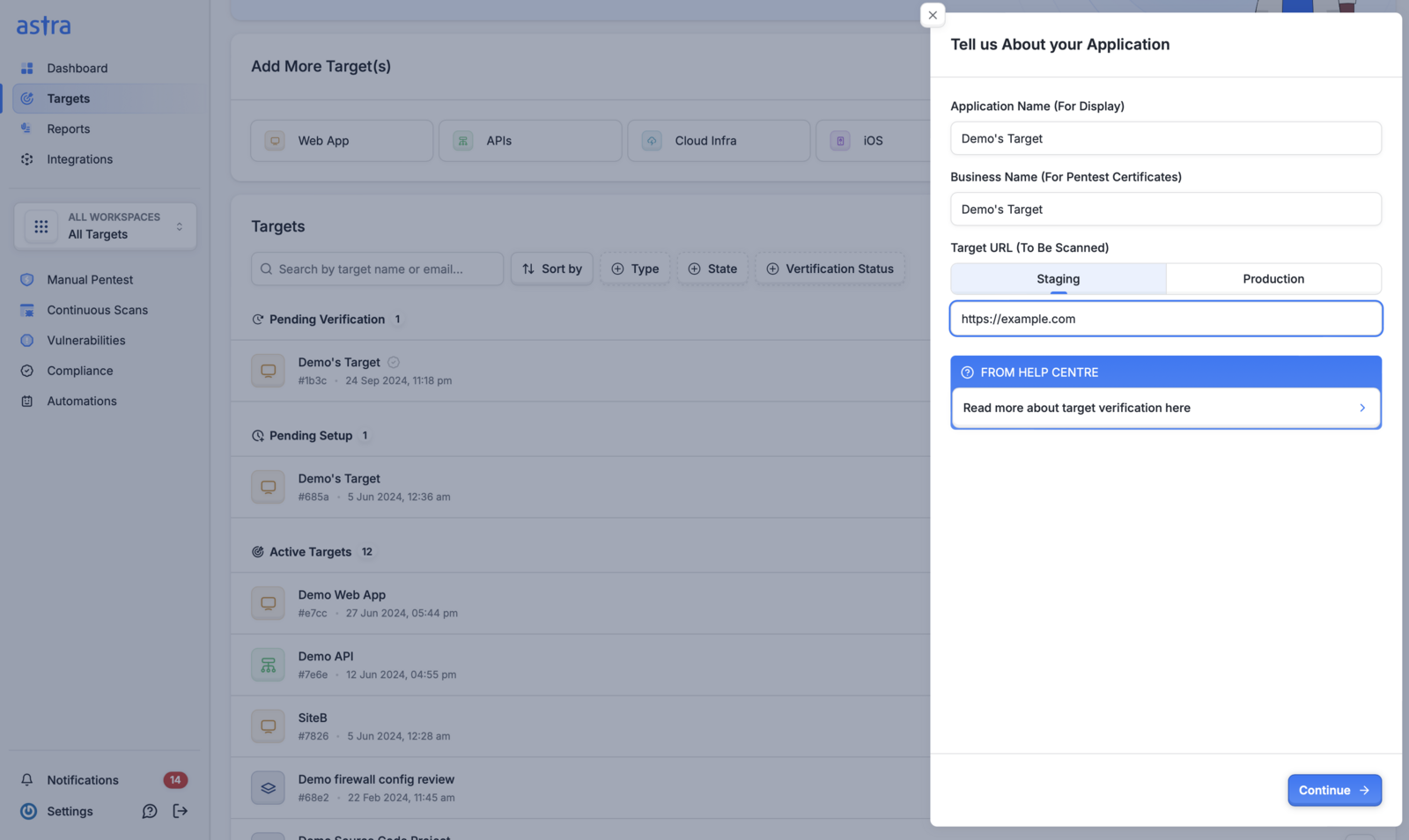
Head over to the targets page. In the Pending Verification section, click on the Start Verification button next to your target

Fill out the details like application name, business name and target URL.
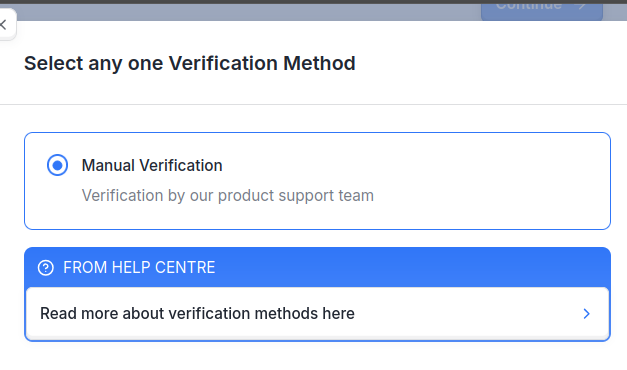
Select Manual Verification method from the options below. With Manual Verification selected, we receive the request and our support team will try manual verify that you own the target, and this could take up-to 12–24 hours. You will receive an email once the request is approved.
What happens after ownership verification?
Once the ownership verification process is complete, your target moves from Pending verification to Pending Setup stage.
