How to pause or cancel your subscription
Last updated: November 3, 2026
Pausing stops auto-renewal and can be undone at any time. Cancelling is permanent. In both cases, the plan stays usable until the end of the period already paid for.
Pause or cancel: the difference
The two options differ only in whether the plan can be restarted.
| Pause | Cancel | |
|---|---|---|
| Auto-renewal | Stops | Stops |
| Access until the end of the paid period | Yes | Yes |
| After the paid period | Targets are deactivated and scans stop | Targets are deactivated and scans stop |
| Restart | Unpause at any time | Not from the dashboard. Contact support or buy a new plan. |
Pause or cancel a plan
Workspace owners and admins, company owners and admins, and billing members can do this.
- Open Settings, pick the workspace under Workspaces, then click Subscriptions.
- Expand the subscription and click Cancel / Pause (Cancel on a trial).
- Click Continue, then tick at least one Reason for cancelling. Any other needs a comment.
- Click Continue. Depending on the reason, the next step may suggest an alternative, such as a discount request. Click Continue to skip it.
- Choose Pause plan or Cancel plan, then click Continue.
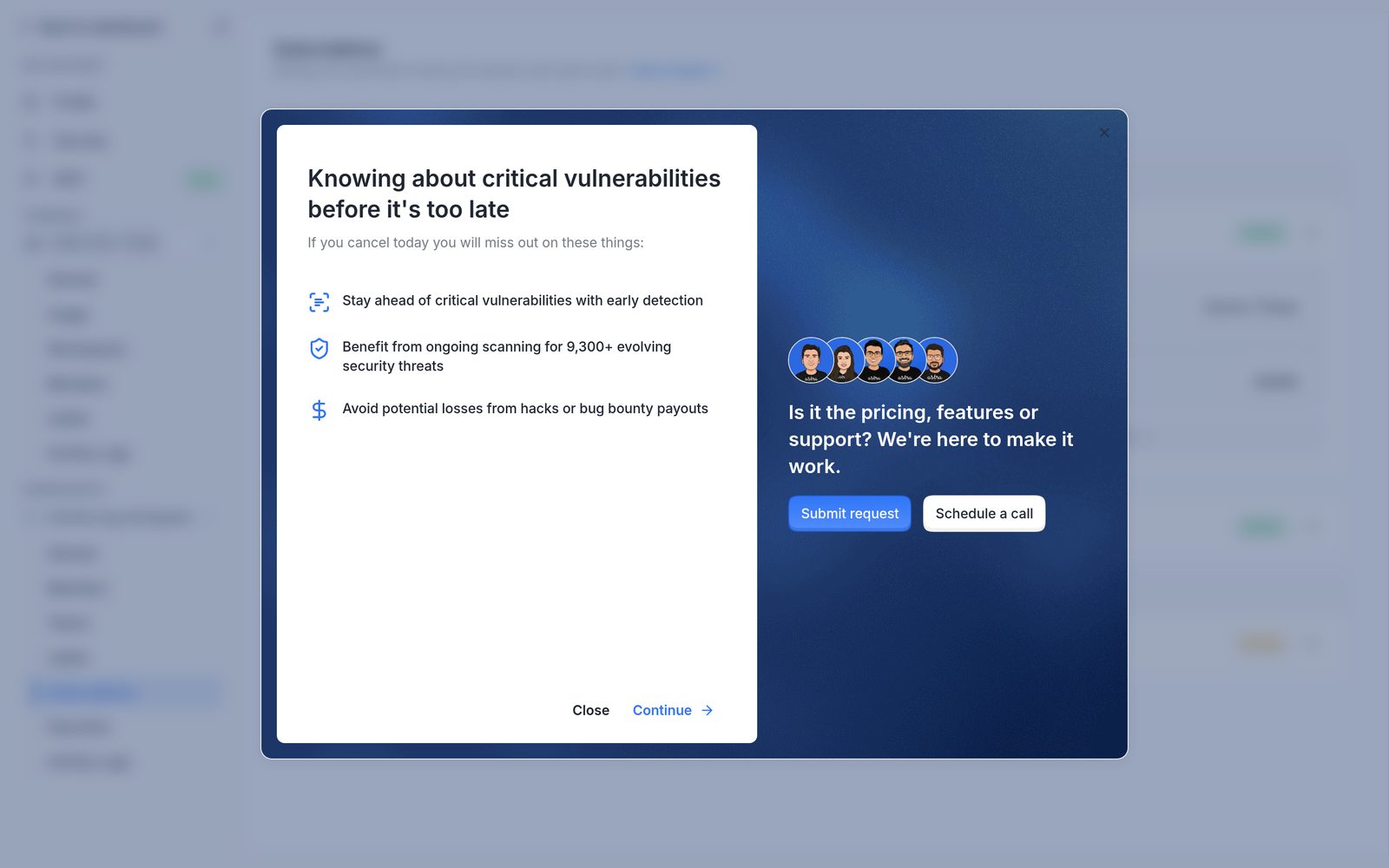
The first step of the Cancel / Pause window.
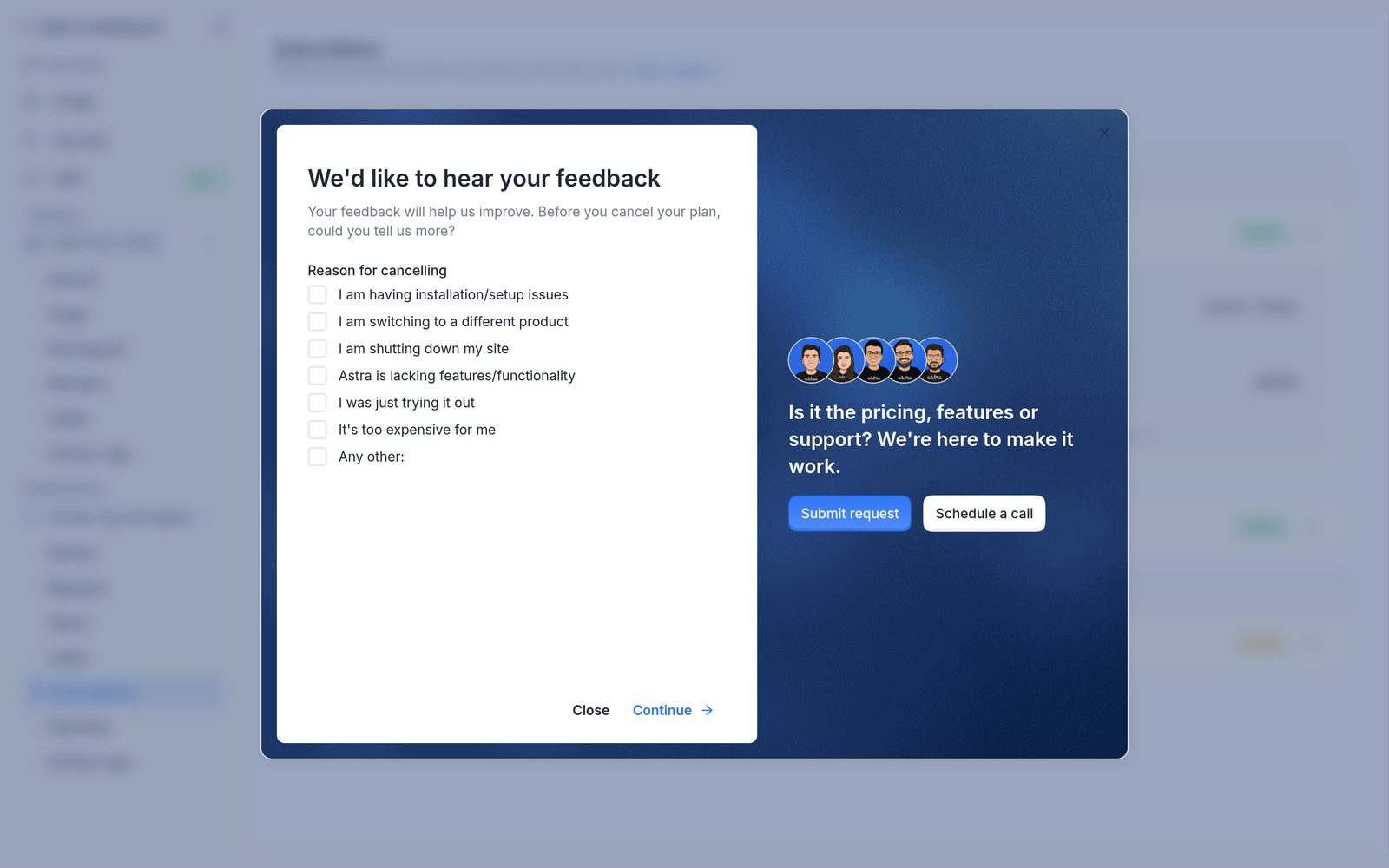
The list of reasons for cancelling.
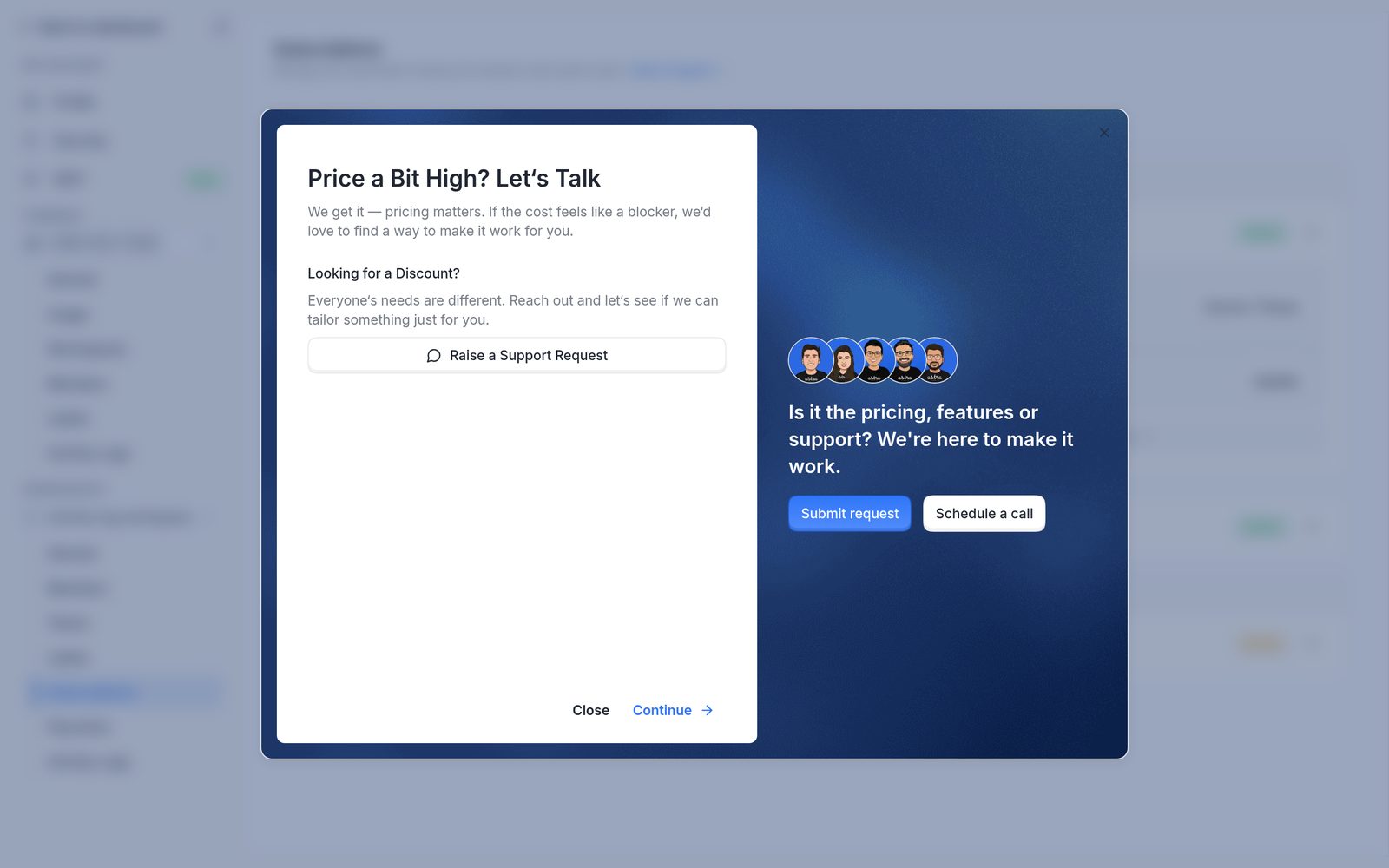
An alternative suggested for one of the reasons.
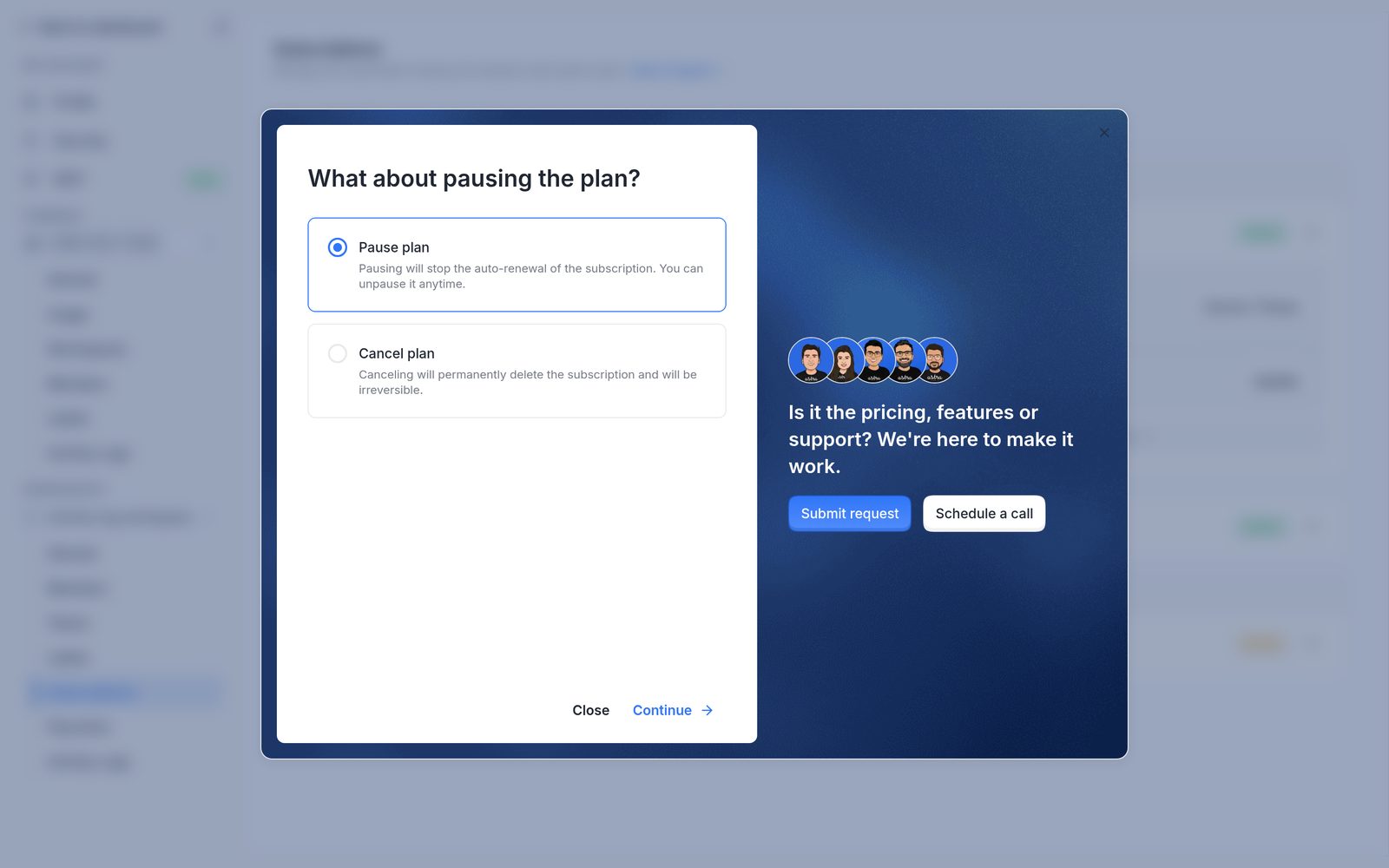
The final step, with Pause plan and Cancel plan.
A message confirms the request: "Your subscription will be paused shortly. It may take 1-2 minutes for our payment processor to update" (or "cancelled" for a cancellation).
To talk to Astra's team before deciding, use Submit request or Schedule a call in the window.
After a pause
- Auto-renewal stops and no further payments are charged.
- The plan stays usable until the end of the paid period. Until then, its status is Active, and a banner shows "Targets will be deactivated from" that date.
- From that date, the plan's targets are deactivated and scans and schedules on them stop. The plan shows Subscription Paused and a Paused badge.
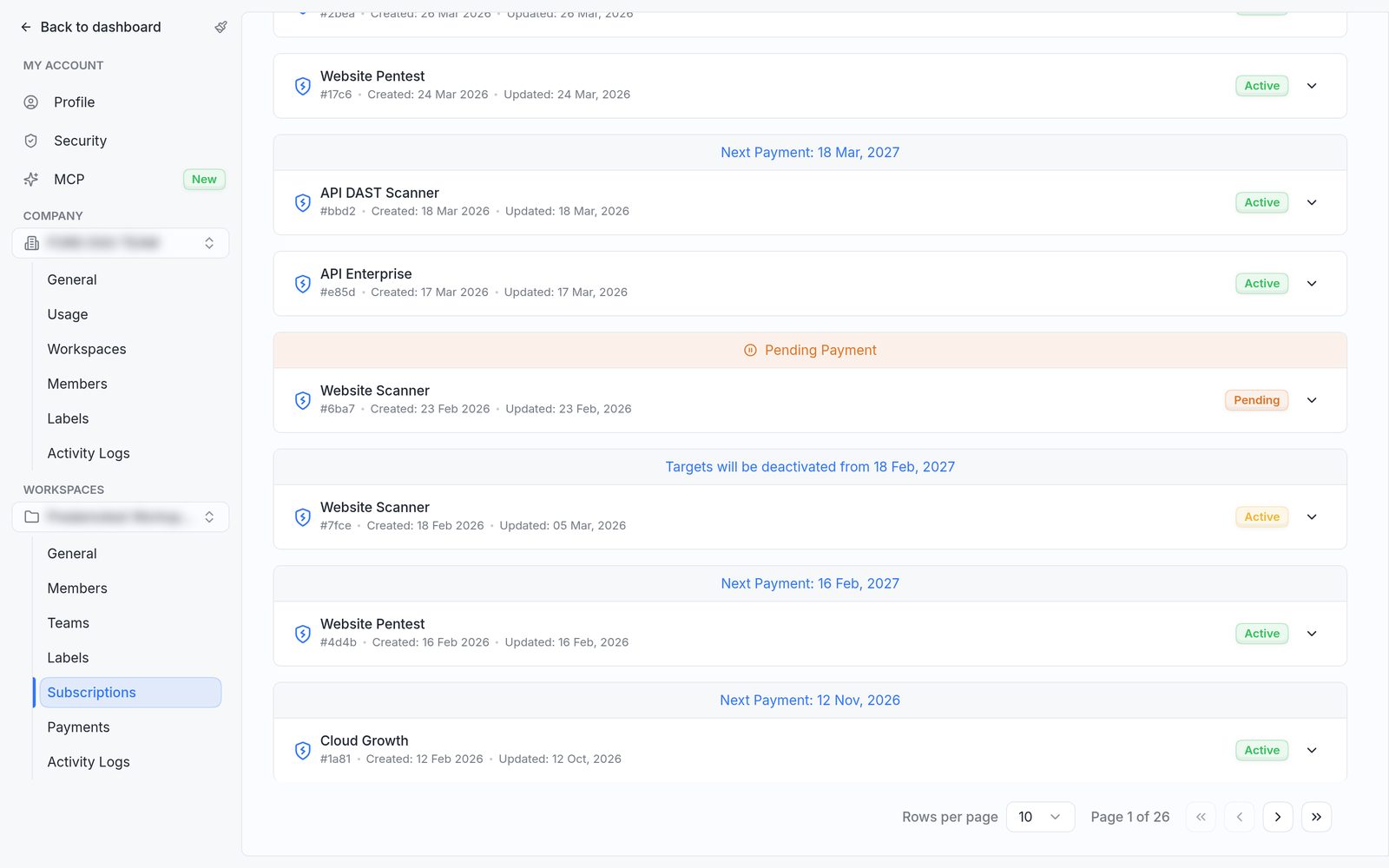
A plan that will pause at the end of its paid period, still Active.
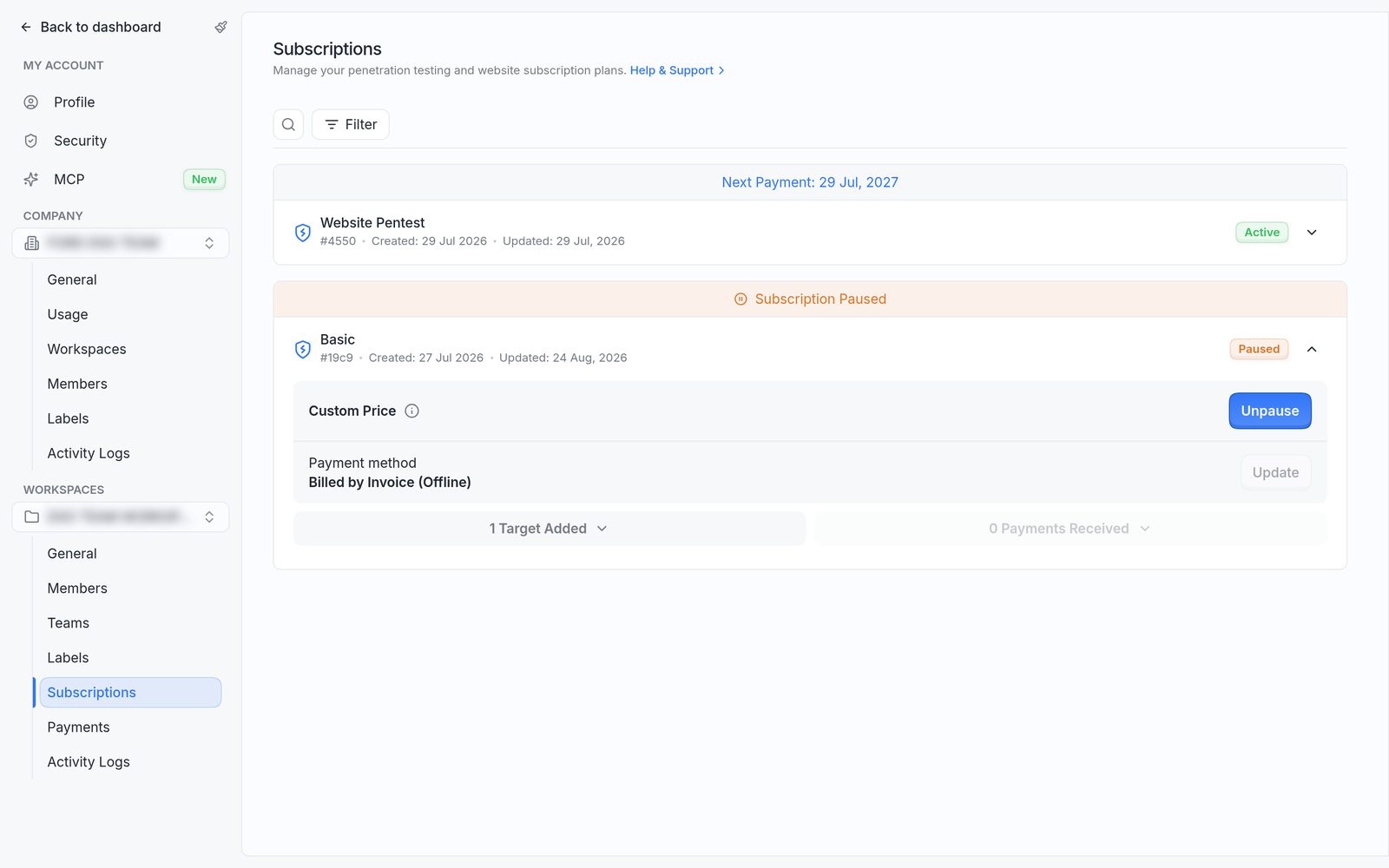
A paused plan, with the Subscription Paused banner and the Unpause button.
To restart, expand the plan and click Unpause, then Unpause again to confirm. Auto-renewal turns back on and the targets are reactivated. The message "Plan unpaused. Changes show in the dashboard shortly" confirms it.
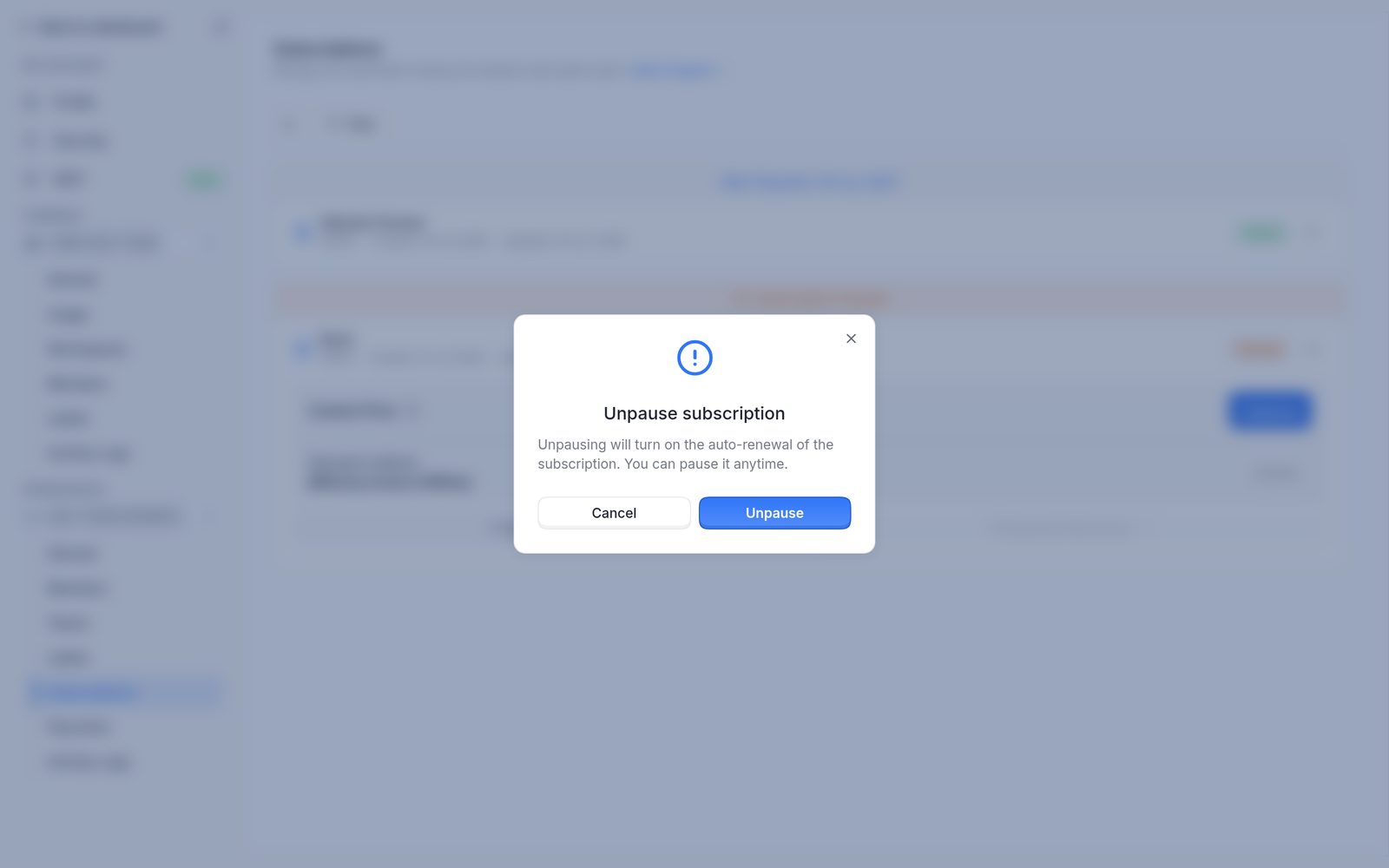
The Unpause subscription confirmation.
After a cancellation
- Auto-renewal stops and the plan won't be charged again.
- The plan stays usable until the end of the paid period. A banner shows "Your subscription has been cancelled, but you can continue using it until" that date.
- At the end of that period, the plan's targets are deactivated and scans and schedules on them stop.
- A cancellation can't be undone from the dashboard. To restart, contact support.
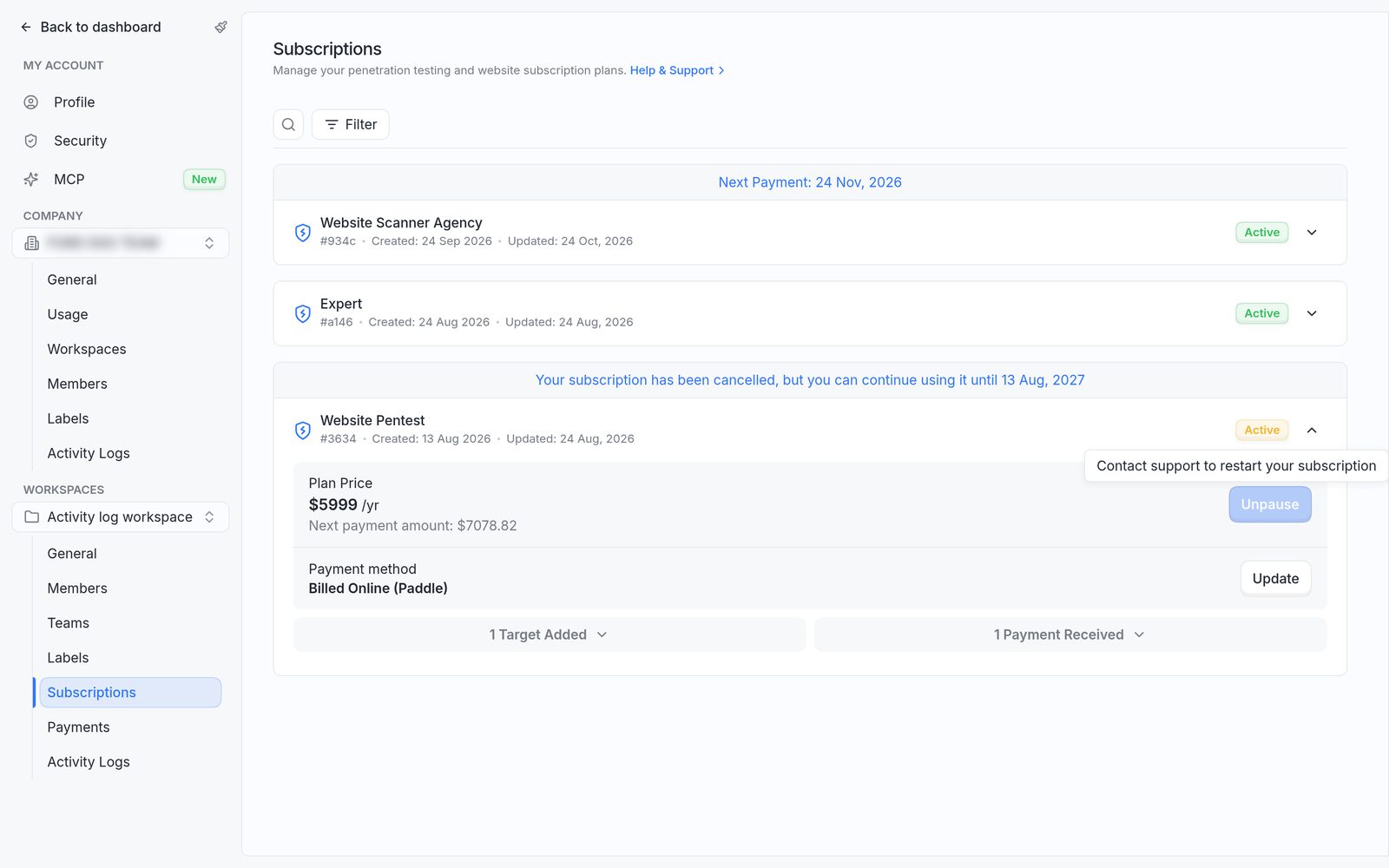
A cancelled plan that's still usable until its end date.
Plans billed by invoice
Plans Billed by Invoice (Offline) can be paused from the dashboard by a company owner or admin, but not cancelled. To cancel an invoice-billed plan, contact the Astra sales representative or support.
FAQ
How can an invoice-billed plan be cancelled?
Contact the Astra sales representative or support with the plan name and the ID shown under it. The team confirms the end date and that no further invoices will be issued.
The cancel window shows an error or doesn't load. What now?
Reload the Subscriptions page and try again. If it still fails, raise a support request from the dashboard with the plan name and its ID, and Astra's team can cancel the plan.
Can a cancelled subscription be restarted?
Not from the dashboard. Contact support, or buy a new plan. To keep the option of restarting, pause the plan instead.