How Astra reviews your cloud configuration
Last updated: November 12, 2026
Astra reviews a cloud account from the inside, using the read-only access granted during Cloud Target Setup. Nothing in the account is changed. The review comes in two forms: an automated Config Scan, and an Expert Config Review in which an Astra security engineer also reviews the account. See Config Scan vs Expert Config Review for how they differ.
How the review works
Read-only access from inside the account: Astra works with the credentials and programmatic access provided for the target, such as an IAM user in AWS, the Reader role in Azure or the Viewer role in GCP. All actions are read-only.
Configuration checks against best practice: A Config Scan (Full) runs in-depth checks across the cloud account, including CIS benchmarks and IAM, storage and network exposure.
Checks for new threats: A Config Scan (Emerging) looks for misconfigurations tied to newly published cloud threats and exposure patterns.
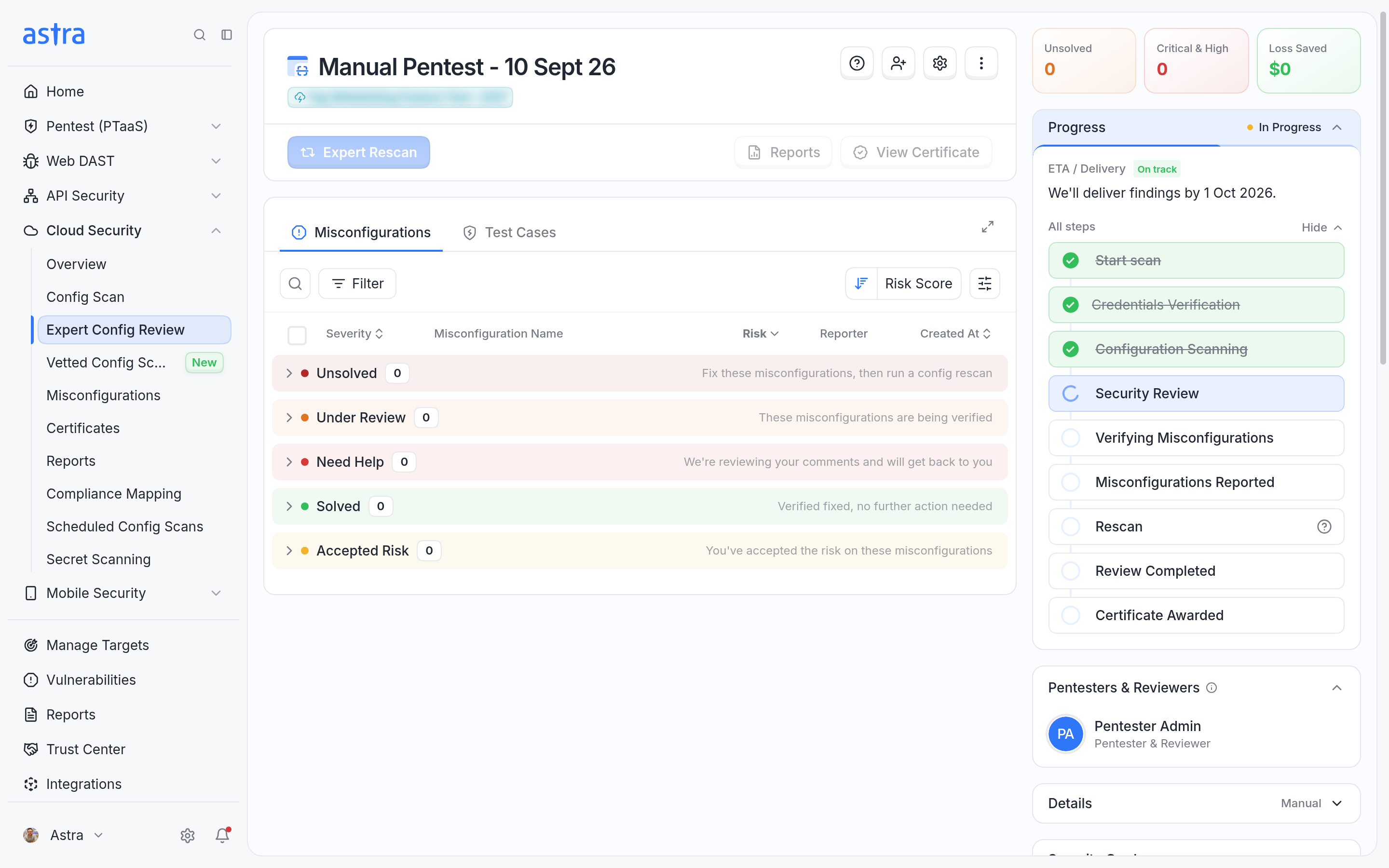
Engineer review (Expert Config Review only): An Astra security engineer reviews the cloud on top of the scan, reports misconfigurations, verifies fixes and awards a certificate on completion.
Choosing the scope
A review can be limited to specific resources using the tags or labels already assigned in AWS, Azure or GCP. See Scanning only the cloud resources you choose.
Access each provider needs
AWS: How-To: Creating Programmatic Keys in Amazon Web Services (AWS)
Azure: How-To: Adding a security Reader Role in Azure and How to Create an Azure Service Principal Using Azure CLI
An Expert Config Review also needs access for Astra's security team lead, as described in the Azure and GCP articles. This is not needed for plans with Config Scans only.