Overview: Company Management in Astra
Last updated: August 6, 2026
Introduction
Company Management provides Enterprise organizations with a centralized command center to view and control multiple workspaces, targets, and team members from a single location. This feature introduces a structured hierarchy—Company > Workspaces > Targets—to ensure that security and visibility are scalable across large environments while allowing for granular control at every level
Note:This feature is available exclusively for Enterprise customers. If you do not see the "Company" section in your settings but believe your account qualifies, please contact your CSM or Astra support.
Who Should Read This
Company Owners and Admins: To oversee security posture across different departments or business units.
Central Security Teams: To manage organization-wide settings and coordinate remediation efforts.
Auditors and Leadership: To gain high-level visibility into the entire company's security landscape and compliance status.
Key Functions & Component Breakdown
The Company Management section is organized into several tabs designed to handle organization-wide configurations:
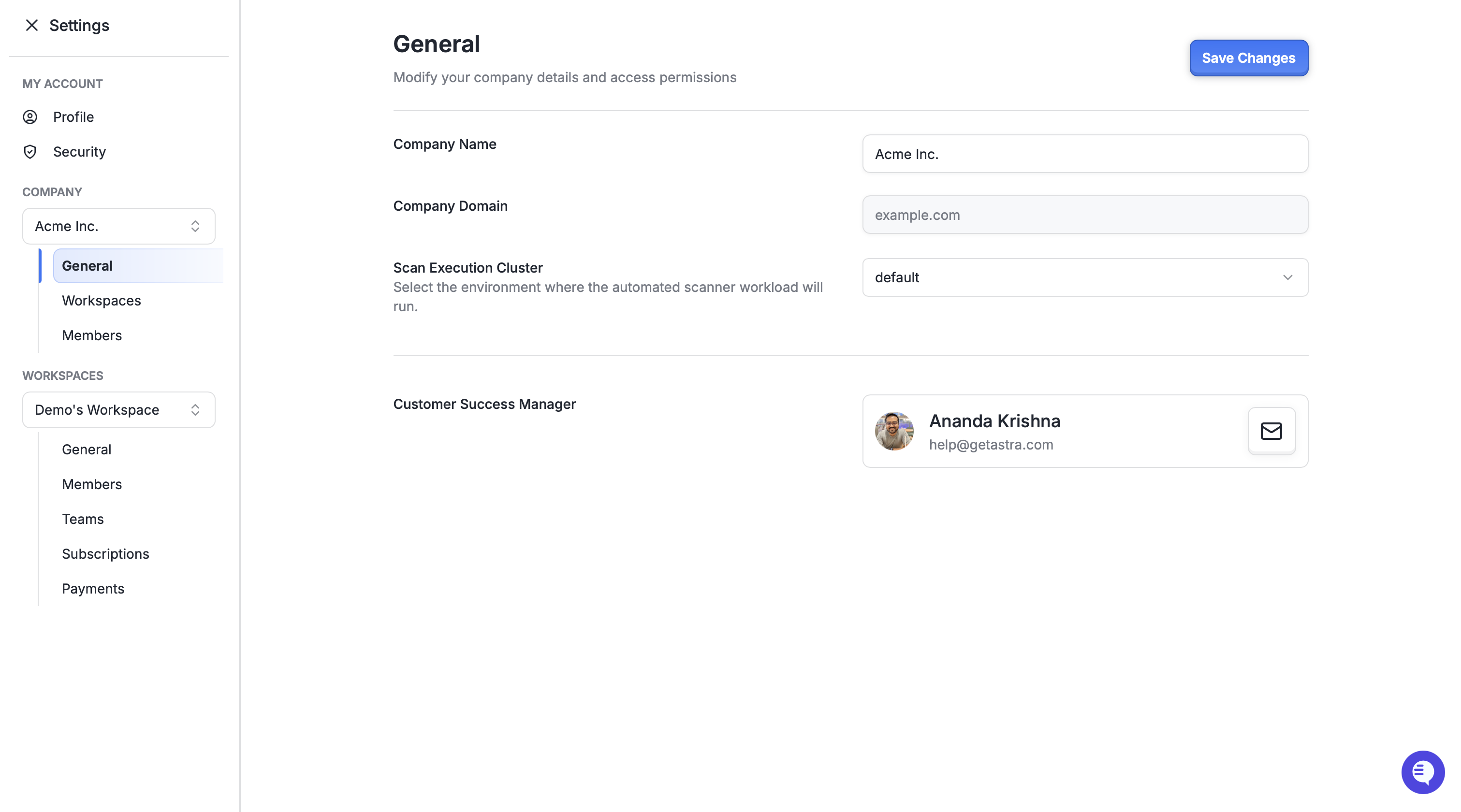
General Settings: This tab displays the Company Name and the verified Email Domain, which Astra uses to automatically link new signups to your organization. Enterprise customers are provided with dedicated scanning infrastructure It also identifies your dedicated Scan Execution Cluster and assigned Customer Success Managers (CSMs).
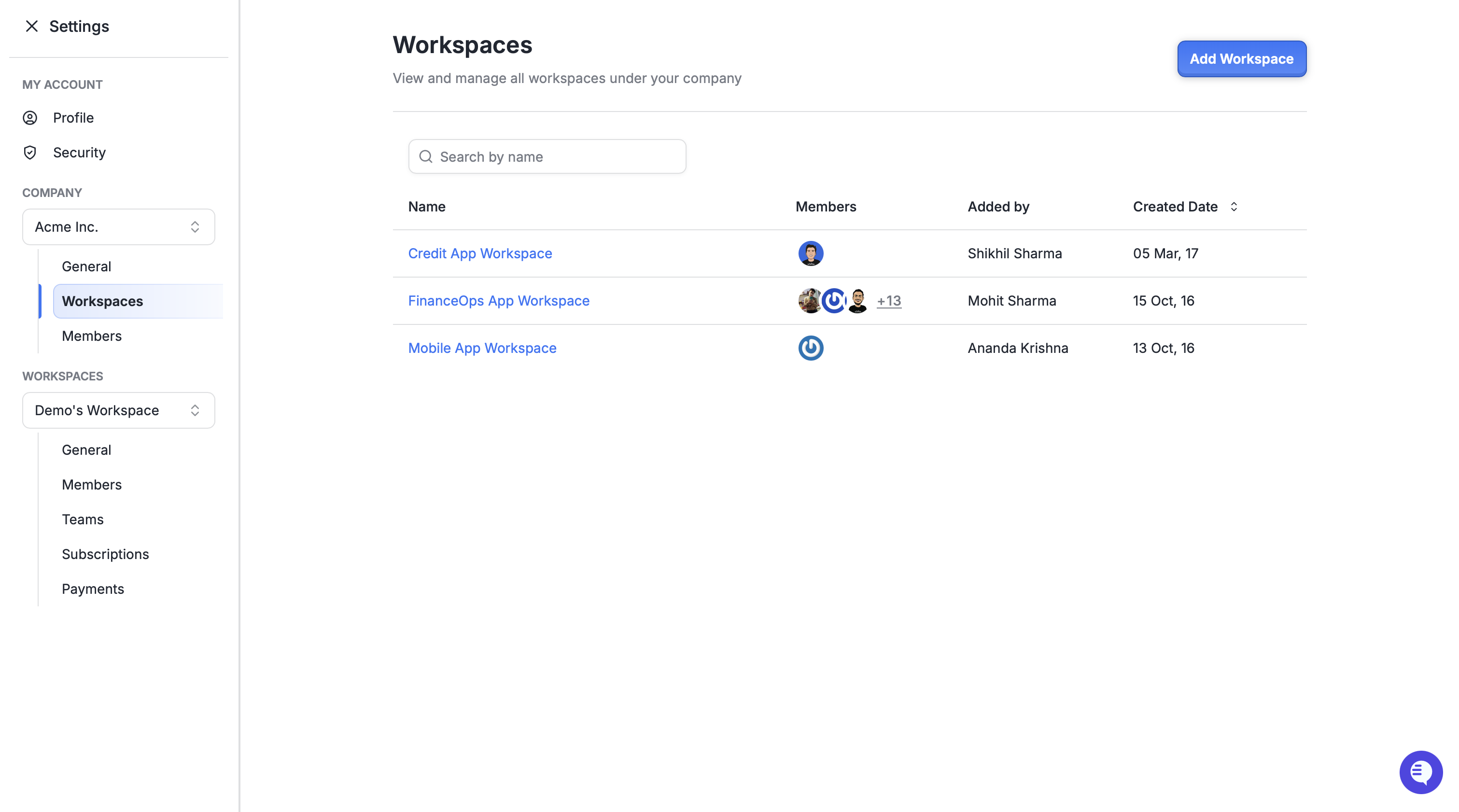
Workspaces: Lists every workspace linked to the company, including those created independently by users on your company domain. Administrators can click any workspace to jump directly to its specific dashboard and findings.
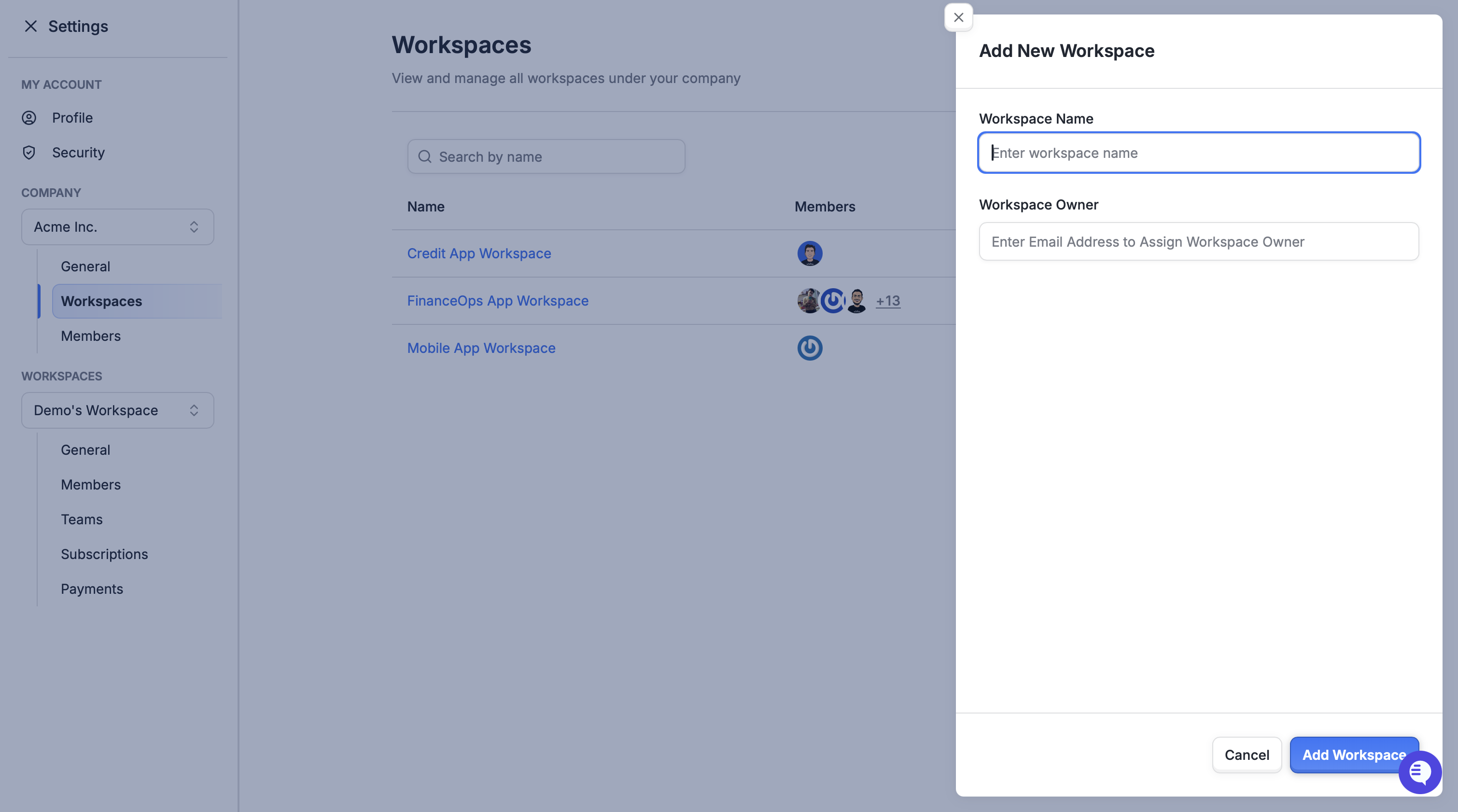
You can also create new workspace directly from here
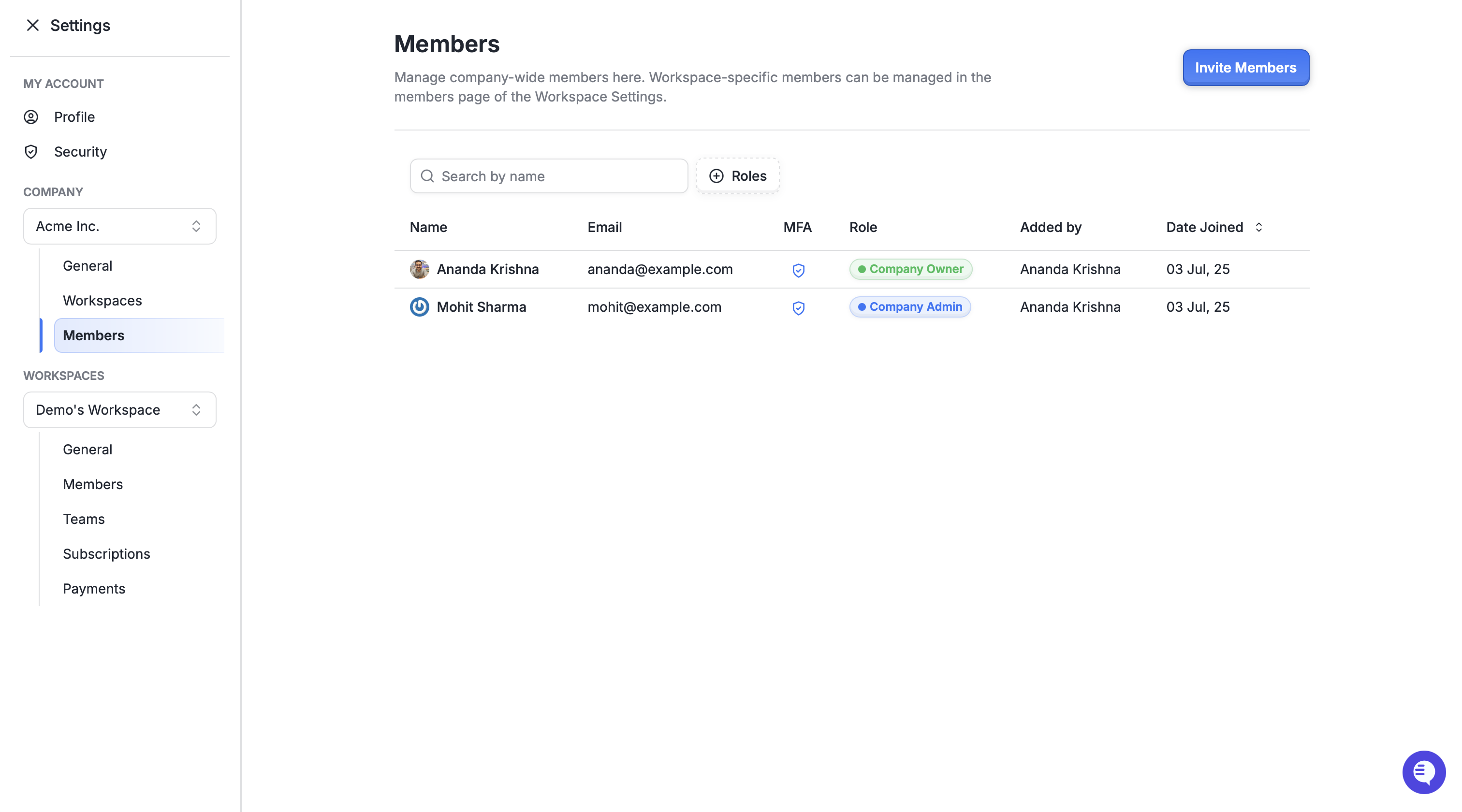
Company Members: A centralized directory of users with company-level access. This view is essential for managing broad permissions across large teams.
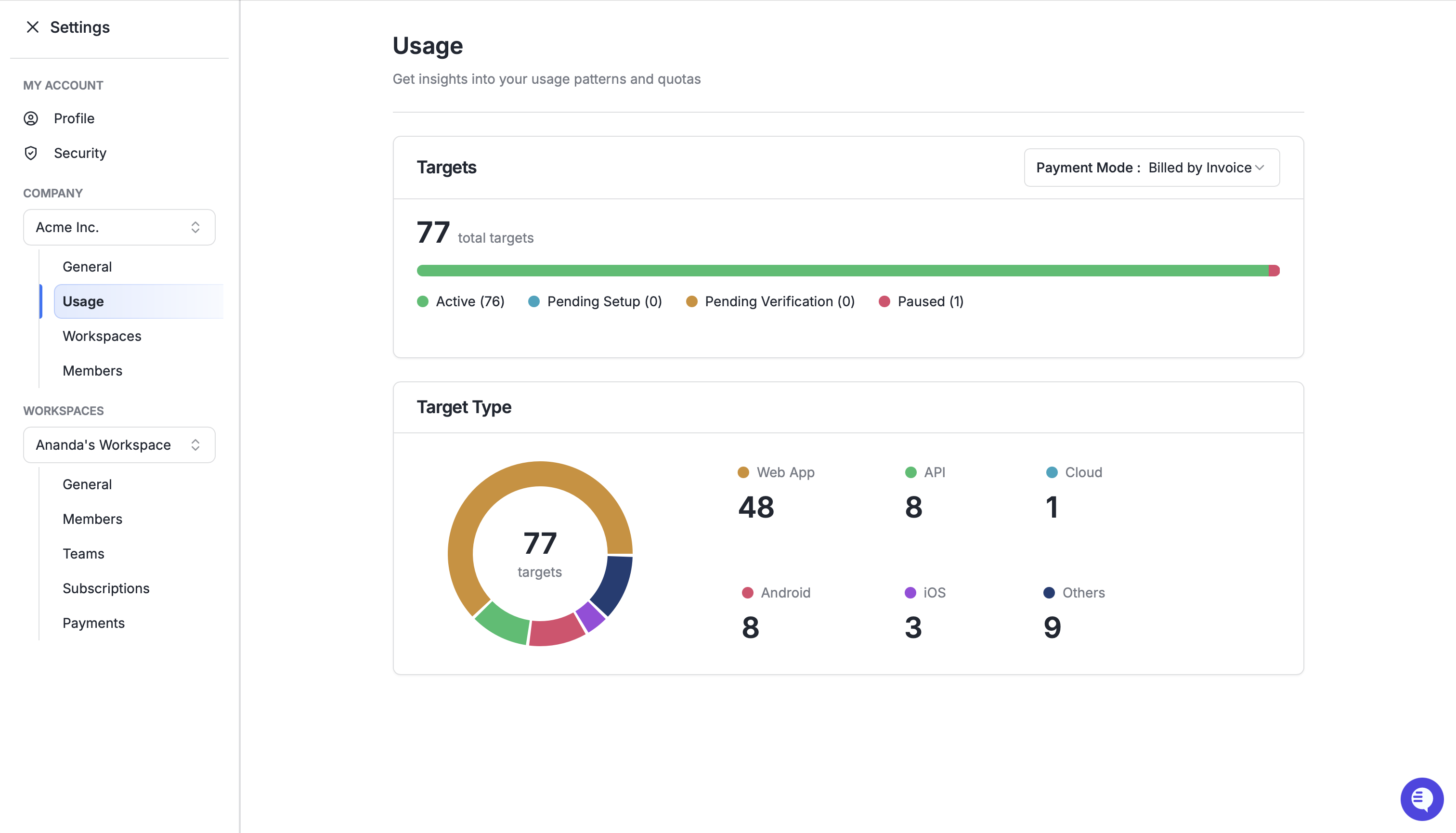
Usage Page: Provides real-time tracking of target quotas, showing how many active and pending targets are being used against your plan's maximum. It includes a Target Type Breakdown (Web App, API, Cloud) to illustrate resource allocation.
Available Actions (Roles)
Access at the Company level is governed by specific roles to maintain security:
Company Owners: Have full control, including the exclusive ability to add or remove Company Admins.
Company Admins: Can access all workspaces and targets across the organization and manage settings within them, but cannot manage other company members.
Company Read-Only Admins: Can view all organizational data, workspaces, and targets without the ability to modify settings or manage members.
Adding Targets: Company Owners and Admins can add new targets to any workspace directly from the dashboard without needing to contact support.
Best Practices
Tiered Access: Only add users as Company Members if they require visibility across the entire organization; for users only needing access to a specific product or department, add them directly to that workspace or target to keep access tightly scoped.
Proactive Quota Management: Periodically review the Usage page to avoid hitting target limits unexpectedly and to make informed decisions about expanding your subscription.
Leverage CSMs: Use the dedicated Customer Success Managers listed in your General Settings as your primary contacts for onboarding and success planning.