How-to integrate Hoppscotch with Astra CLI for Proxy service
Last updated: August 5, 2026
Introduction
This guide walks you through configuring the Hoppscotch desktop application to route API requests through Astra's Proxy Service. Once set up, HTTP traffic from Hoppscotch is captured and surfaced in your Astra dashboard for API discovery and security testing.
Prerequisites
Before you begin, make sure the following are already running on your system:
Astra Proxy Service — receives and forwards traffic from Hoppscotch
Astra Traffic Collector — collects and sends traced requests to the Astra dashboard
Both are set up via
astra-cli
Installation
1. Open Setting in the Hoppscotch Desktop App
Launch the Hoppscotch desktop application on your system
In the left vertical menu, click the gear icon (⚙) to open Settings.
3. Configure Native Interceptor
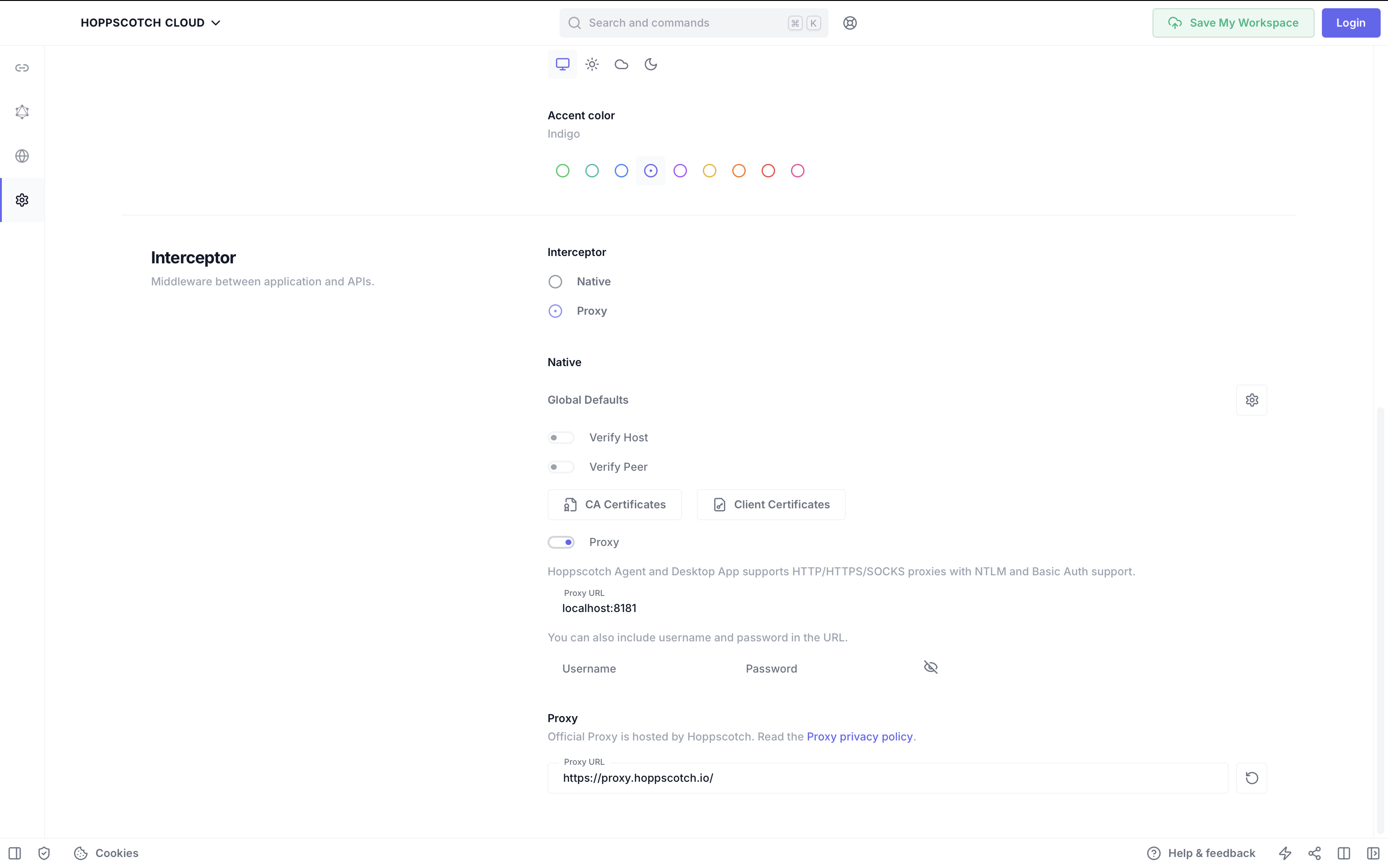
In the Interceptor section:
Select “Native” as the interceptor type.
Under Native → Global Defaults:
Turn off:
Verify HostVerify Peer
Turn on:
Proxy
Set the Proxy URL to:
localhost:8181
4. Send a REST Request
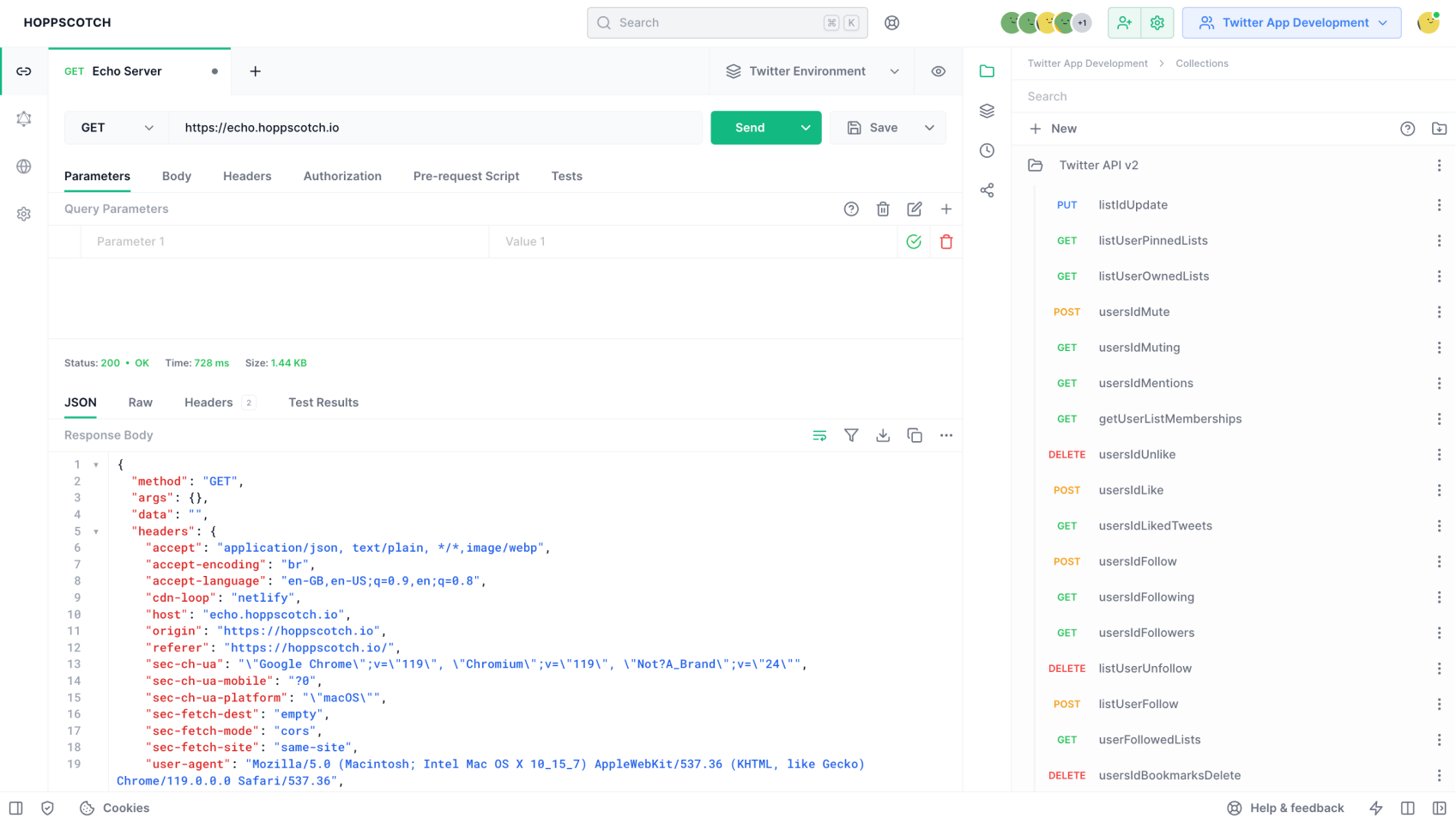
In the left vertical menu, click the “REST” button to switch to the REST client interface.
Enter your API request details (method, URL, headers, etc.).
Click “Send” to fire the request via the configured proxy.
Your request is traced and you will now be able to see your API endpoint in Astra dashboard. You should be able to run the following command and confirm the whether tracing was done successfully
./astra-cli proxy logs
./astra-cli collector logs